

Odoo Debranding / White Label
White-label Odoo completely - replace the Odoo name, logo, favicon and "Powered by Odoo" everywhere with your own brand, driven from the Company form.
- Category
- Tools
- Odoo version
- Odoo 19.0
- Price
- USD 24
- Odoo Apps Store
- Listed
Turn Odoo into *your* product. One module, one switch - every visible trace of the Odoo brand is replaced with your company name, logo and favicon, and it all stays dynamic from the Company settings form.
Screenshots
Odoo Debranding / White Label running in Odoo 19.0.
What gets debranded
- ✓ Browser tab title - every backend, portal and website page
- ✓ Favicon - served live from your Company favicon
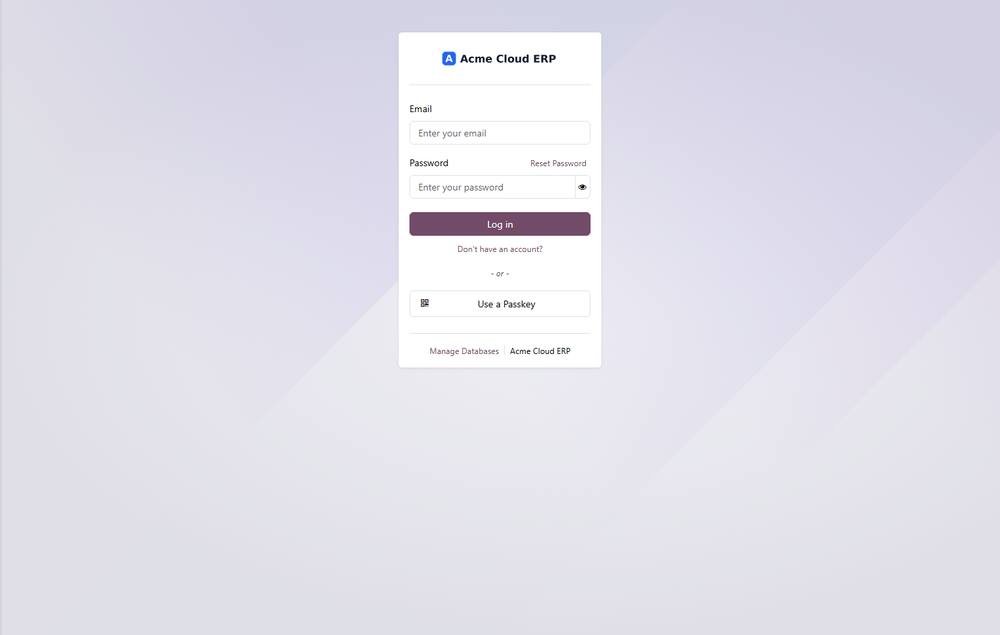
- ✓ Login / sign-in page - logo and the "Powered by Odoo" credit
- ✓ "Powered by Odoo" - backend, portal and website footers
- ✓ Notification emails - both email layouts, footer credit
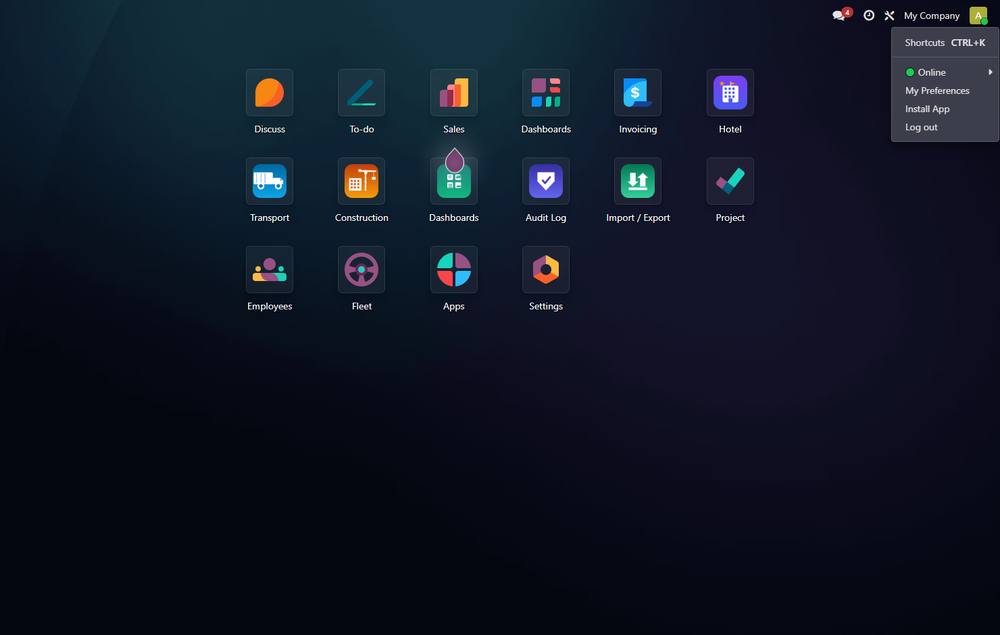
- ✓ The user menu - removes the "My Odoo.com Account" and "Support" links
- ✓ OdooBot - renamed to your own brand bot in chatter messages
- ✓ All of it is multi-company aware
How it works
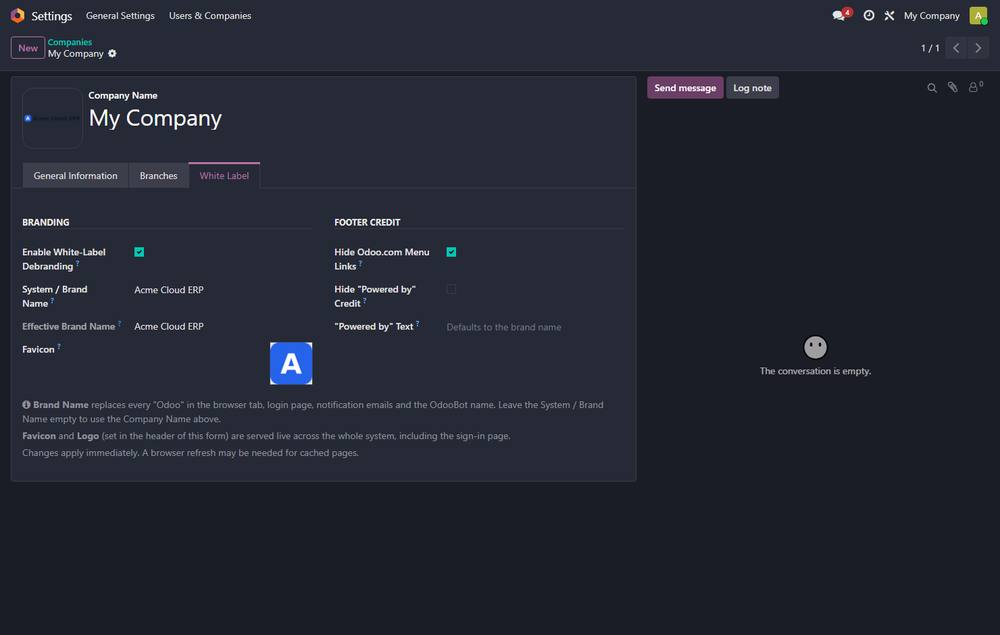
- ✓ Open *Settings -> Companies -> your company -> White Label* tab. Set a system / brand name (or leave blank to use the Company Name), upload a favicon and logo, and you are done. Nothing is hard-coded - change the company name and the whole system follows.
Search keywords
- ✓ debrand odoo, white label odoo, remove powered by odoo, custom branding, rebrand odoo, hide odoo, custom favicon, custom logo, white-label erp, odoo branding, remove odoo name, custom title
What you get
- →Full module source code: Python, OWL, XML and CSS
- →Installation on your Odoo instance, or a copy you install yourself
- →Written documentation and a user guide
- →A one-hour walkthrough with your team
- →90 days of bug-fix support
Buy it on the Odoo Apps Store
Odoo Debranding / White Label is published on apps.odoo.com at USD 24. Buy there and you get every update we publish for that version.
View on Odoo AppsRelated modules
Cloud Backup Pro - Multi-Destination Encrypted Database & Filestore Backup
Encrypted, scheduled Odoo database + filestore backup to S3, SFTP, Local NAS, Google Drive, Dropbox and OneDrive. GFS retention, integrity verification, one-click restore, health dashboard, email/webhook alerts.
ToolsDefault List Filters
Ship ready "My Orders / My Invoices" default filters for Sales, Purchase and Invoicing lists.
ToolsShow Database ID
Add an optional Database ID column to the Contacts, Users and Products list views.
ToolsWT WhatsApp OTP - Signup Verification
Verify customer phone numbers via WhatsApp OTP during Odoo signup
ToolsNeed it to work a little differently?
Every module here started as a client request. Tell us what is missing and we will quote the change, or build the thing you actually need.