
Windows apps for Odoo
Some jobs need a PC in the office: reading a fingerprint terminal on the LAN, driving a receipt printer, listening to a truck scale, scanning paper, talking to Tally. These small Windows programs do that part and hand the result to Odoo, where every setting and report lives.
Each app is a free download. The matching Odoo module is on the Odoo Apps Store. Once installed, the apps update themselves and accept only releases signed by Way4Tech.
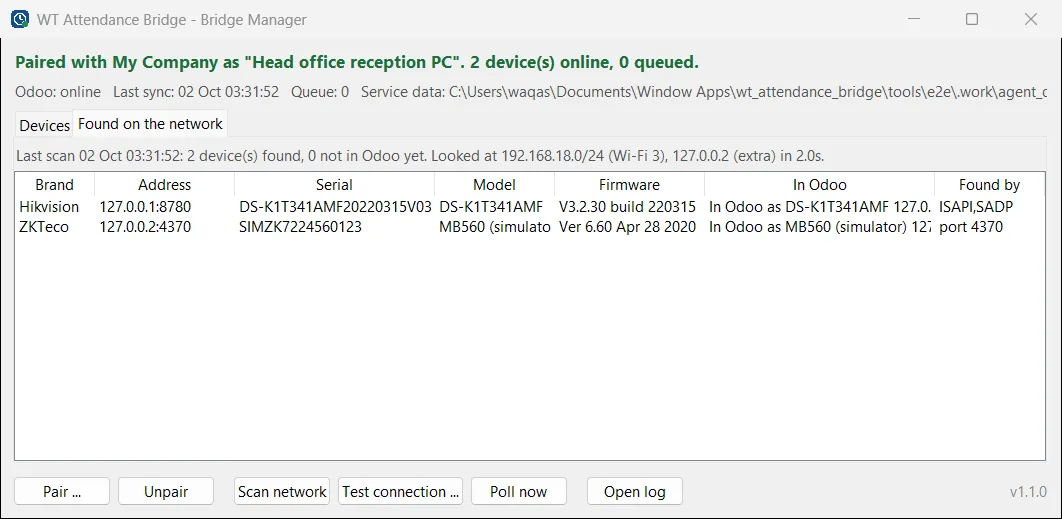
WT Attendance Bridge
Pull punches from ZKTeco and Hikvision devices on your office LAN into Odoo Attendances.
Version 1.1.0 · Works with Odoo 19
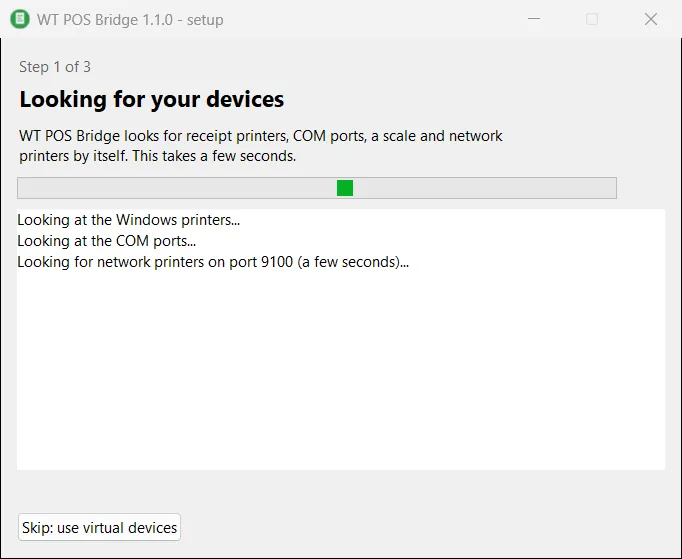
WT POS Bridge
Receipt printers, cash drawer, scale and pole display for Odoo Community POS, without an IoT Box.
Version 1.1.0 · Works with Odoo 19
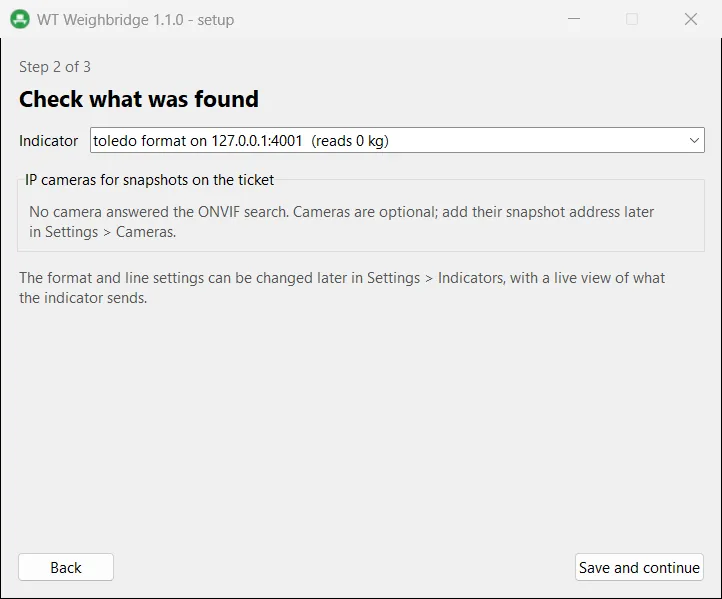
WT Weighbridge
Live truck scale weight in Odoo, captured only when stable, with tickets and camera snapshots.
Version 1.1.0 · Works with Odoo 19
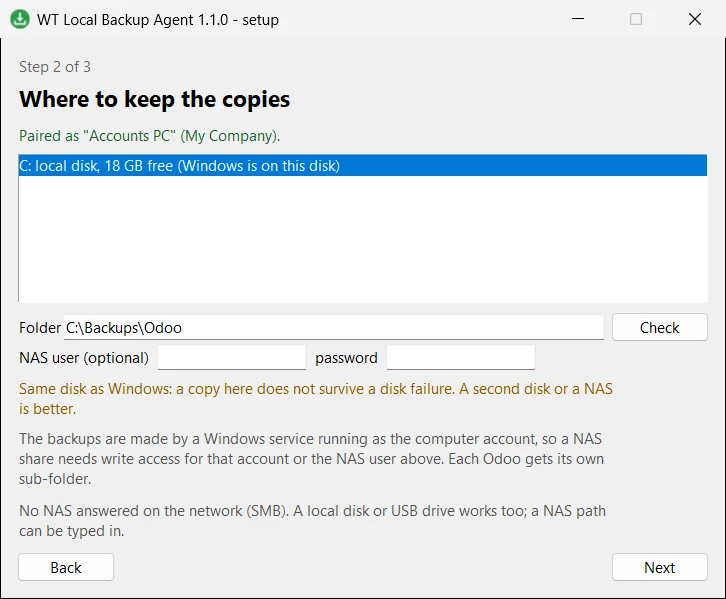
WT Local Backup Agent
A checked copy of your Odoo on your own PC or NAS, every night.
Version 1.1.0 · Works with Odoo 19
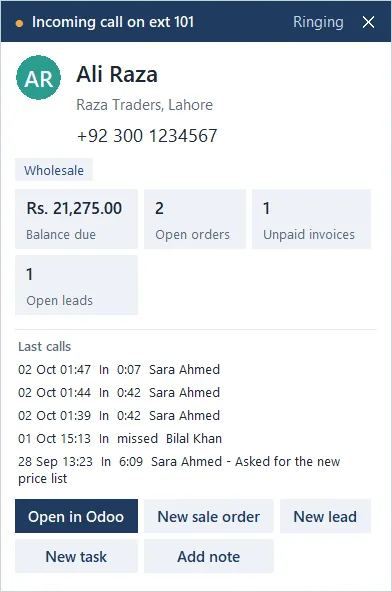
WT Caller ID
See the Odoo contact before you pick up, and log every call, including the missed ones.
Version 1.0.0 · Works with Odoo 19
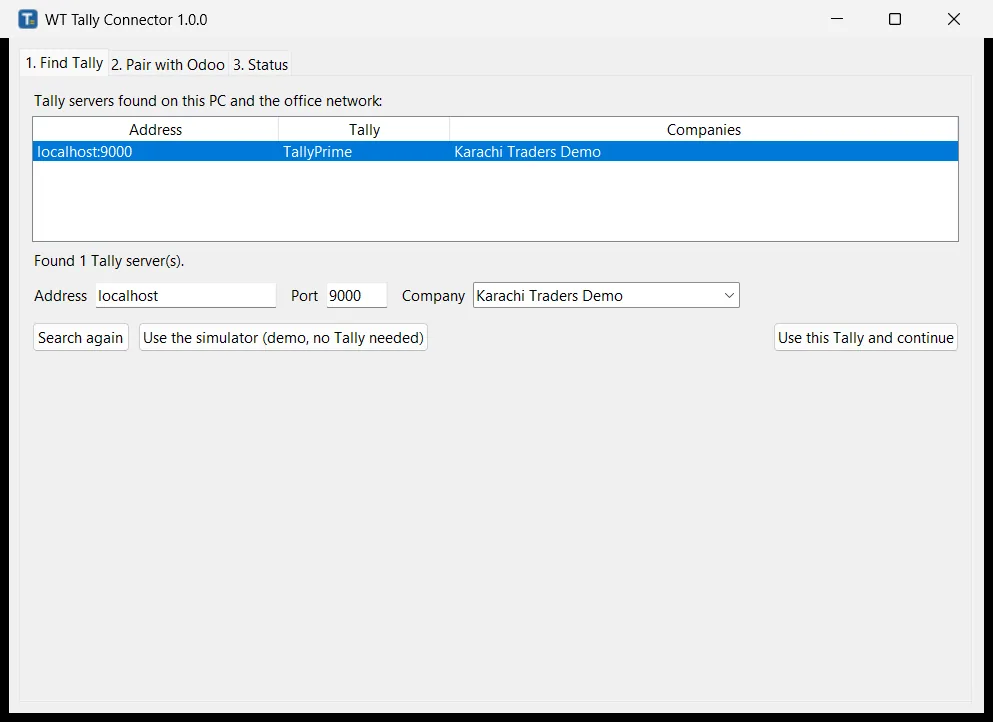
WT Tally Connector
Posted Odoo invoices, bills and payments become Tally vouchers, and the Tally number comes back.
Version 1.0.0 · Works with Odoo 19
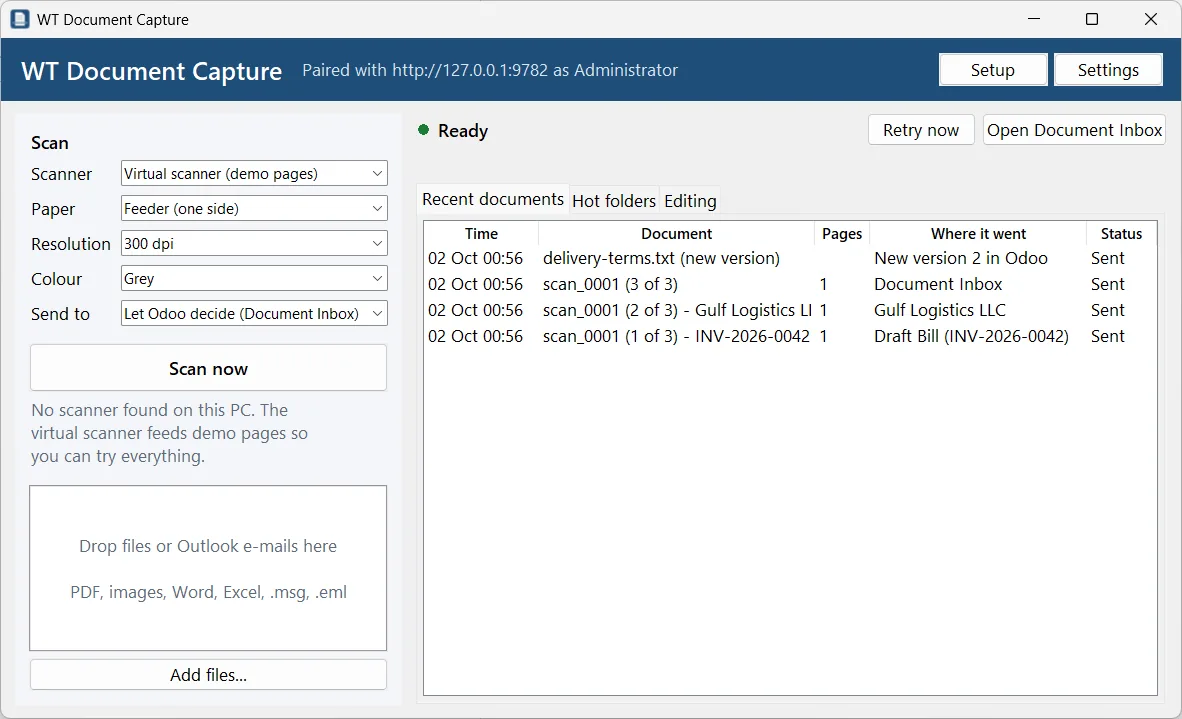
WT Document Capture
Scanner, copier folder and drag and drop into Odoo, read on the PC and routed to the right place.
Version 1.0.0 · Works with Odoo 19
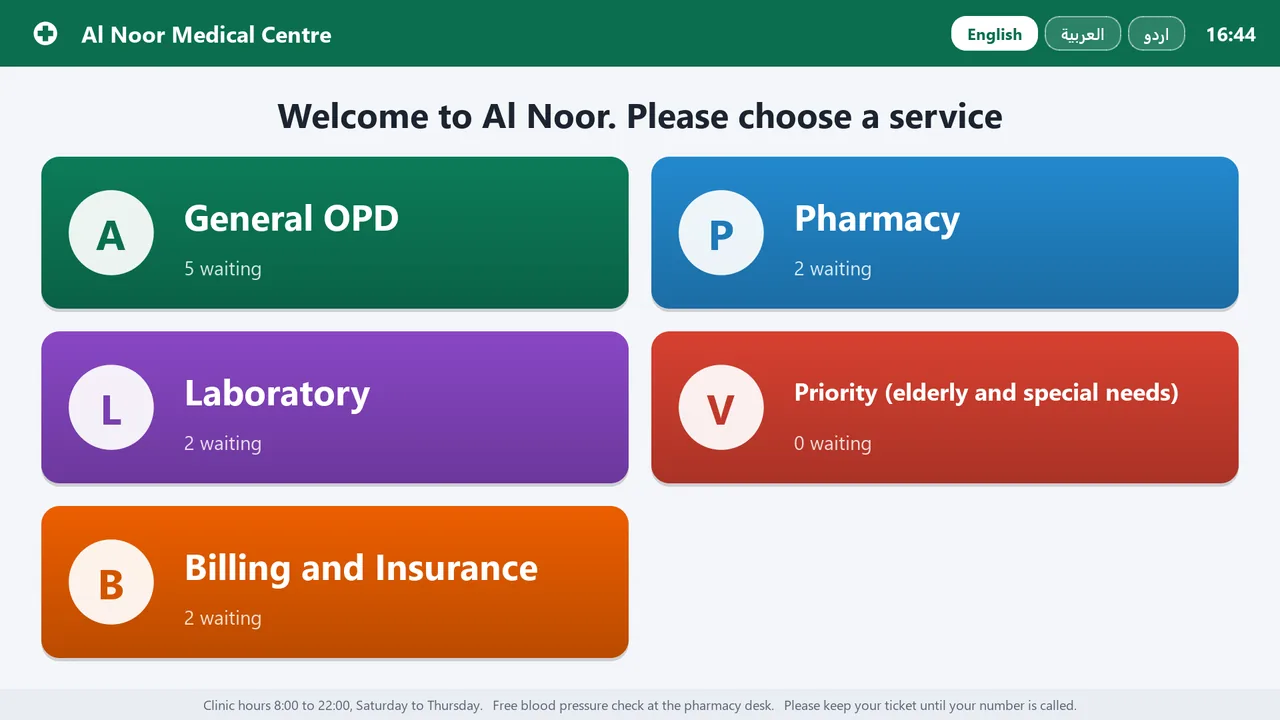
WT Queue
Touch kiosk, TV display with voice calls and counter screen, linked to Odoo, working through internet outages.
Version 1.0.0 · Works with Odoo 19
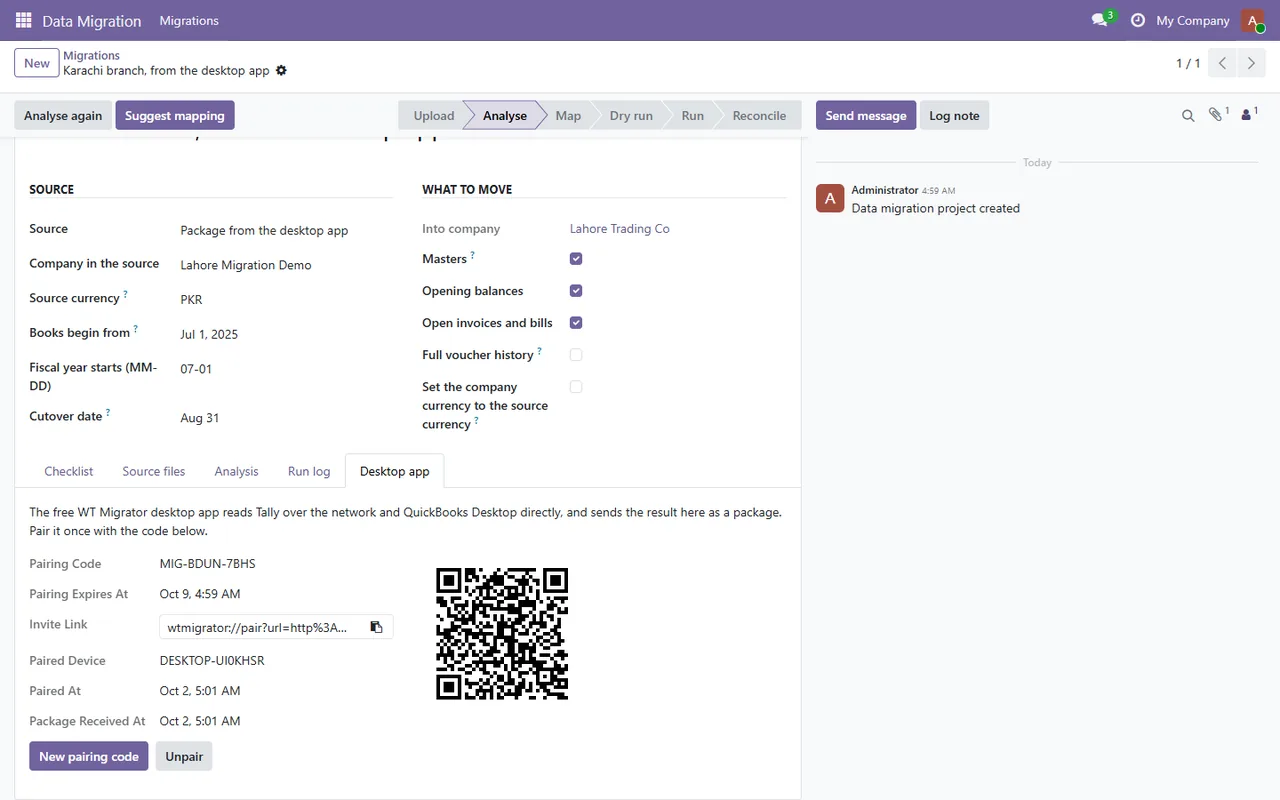
WT Migrator
Move a company from Tally or QuickBooks Desktop into Odoo, reconciled against the source trial balance.
Version 1.1.0 · Works with Odoo 19
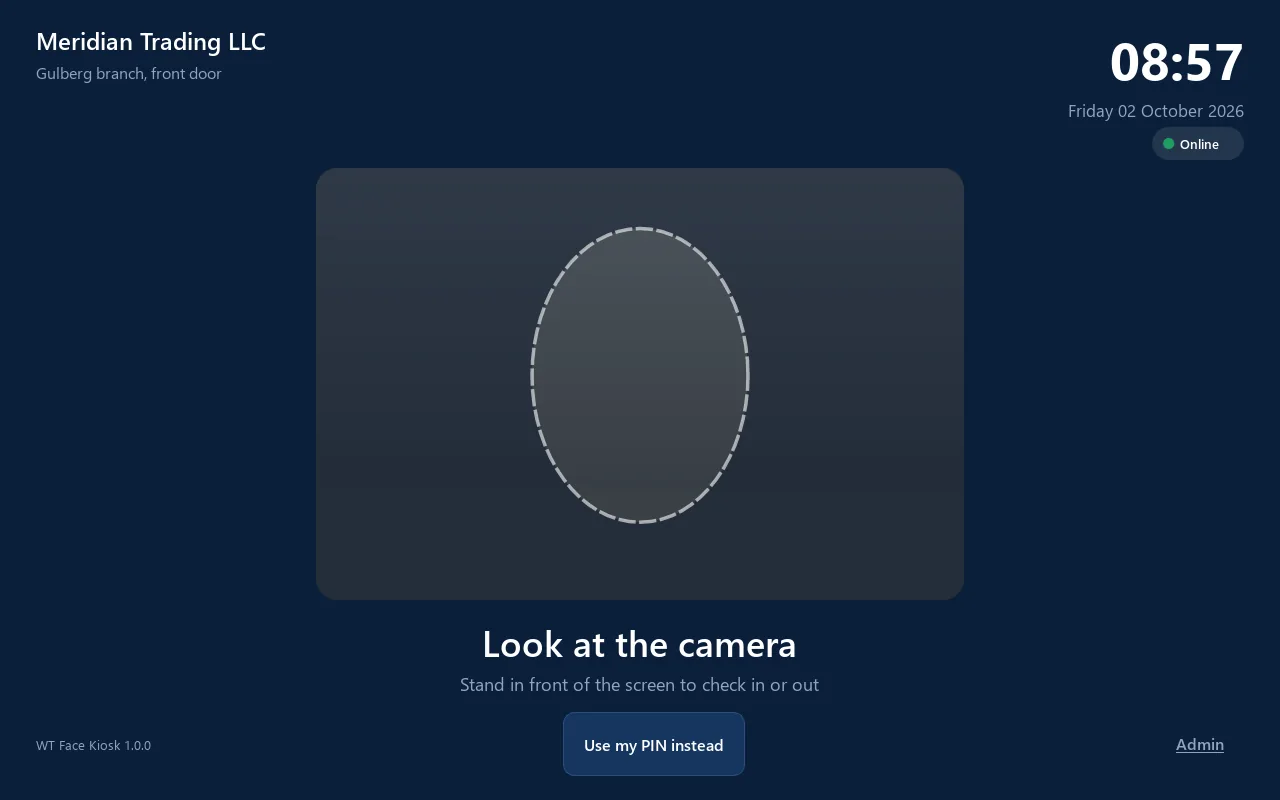
WT Face Kiosk
A Windows PC or tablet with a webcam becomes a face recognition time clock for Odoo.
Version 1.0.0 · Works with Odoo 19
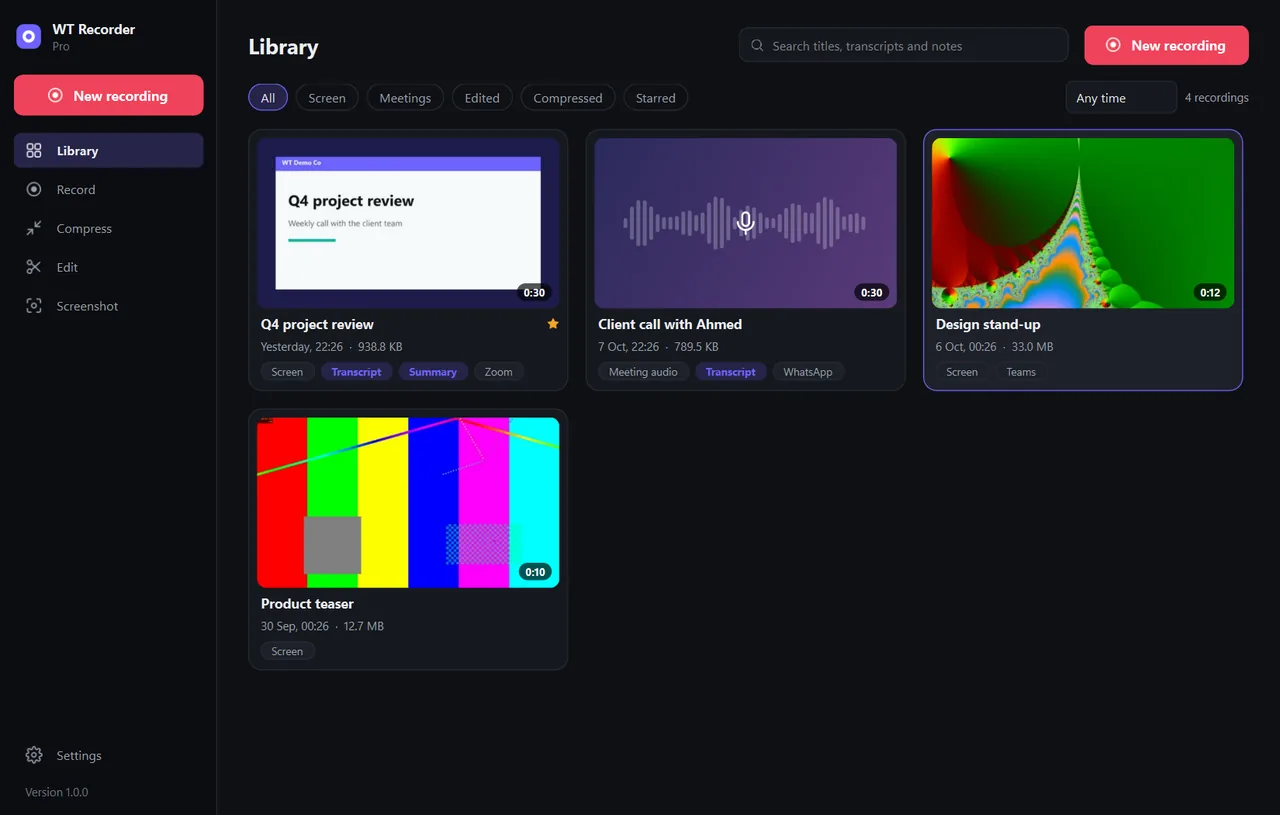
WT Recorder
Screen and meeting recorder with transcripts on your PC, live captions, notes, a compressor and an editor.
Version 1.0.0 · Standalone, no Odoo needed
About the Windows SmartScreen notice
Windows may show a SmartScreen notice until our code-signing certificate is active: click More info, then Run anyway. Each download page lists the installer's SHA-256 so you can check the file before running it.
Need a device or program connected to Odoo?
Every app here started with a client who had hardware or software Odoo could not reach. If yours is not on the list, tell us what it is.