
Manufacturing/Manufacturing Odoo 19.0 On Odoo Apps

PLM and Engineering Change Orders
Engineering change orders over bills of materials, with BoM revisions, an automatic difference, staged approvals and versioned history, for Odoo Community.
- Category
- Manufacturing/Manufacturing
- Odoo version
- Odoo 19.0
- Price
- USD 149
- Odoo Apps Store
- Listed
Controlled changes to bills of materials. The live bill is never edited while a change is being discussed. The change order takes an archived copy, the engineer edits the copy, and the difference between the two is what gets reviewed, approved and applied.
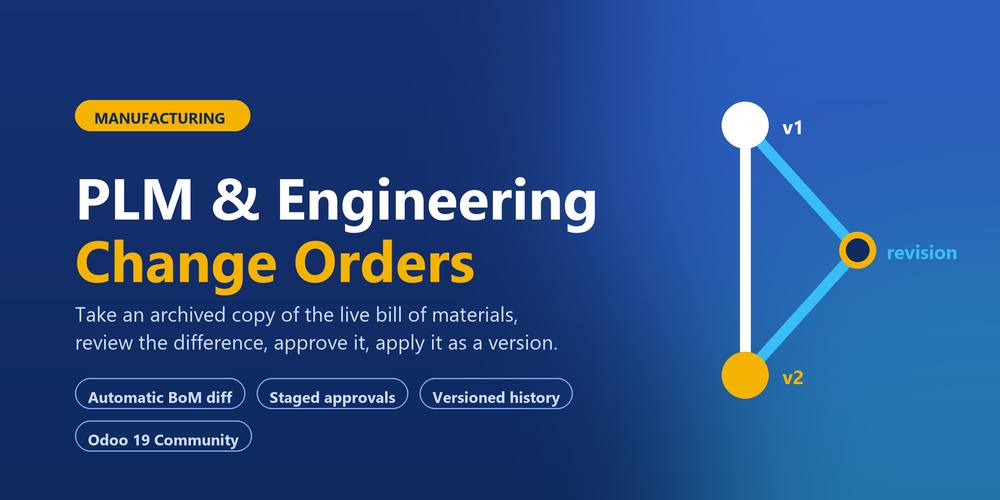
The revision
- ✓ Starting a change order copies the current bill of materials, components and operations included
- ✓ The copy is archived, so no manufacturing order can pick up a half-finished revision
- ✓ The live bill of materials carries on as normal until the change is applied
The difference
- ✓ Components added, components removed and quantities changed, worked out line by line
- ✓ Operations added, removed, and operations whose duration moved
- ✓ Changes to the bill of materials itself: the quantity produced, the unit of measure and the BoM type
- ✓ The difference is stored, so an applied change order still shows what it changed years later
- ✓ A warning on the form when the revision has been edited since the difference was worked out
Approvals
- ✓ Approvers are set on the stage, so the rule is written once instead of on every change order
- ✓ Each approver gets their own line, with a status, a date and a comment
- ✓ A change order cannot reach the effective stage while a required approval is outstanding
- ✓ Rejecting asks for a reason and posts it back to the engineer
- ✓ A My Approvals list, and one button that sends the request to everyone still owing an answer
Applying
- ✓ The revision becomes the live bill of materials with the version number put up by one
- ✓ The version it replaces is archived, never deleted
- ✓ The effective date is stamped on the new bill of materials
- ✓ Dropping the card in the effective column does the same thing as pressing Apply, and is refused for the same reasons
- ✓ Two change orders on the same version cannot both be applied: the second is refused rather than quietly putting the first one's change back out again
- ✓ A change order that has not opened its revision yet moves on to the version that has just gone live
Traceability
- ✓ Every bill of materials knows its version, its effective date, the change order that produced it and the version it replaced
- ✓ Every bill of materials lists the change orders raised against it
- ✓ A version history button walks the whole chain, archived versions included
- ✓ A printable change order with the difference and the approvals
Boards
- ✓ One board per change type, so a quick correction does not queue behind a design change
- ✓ Kanban by stage, plus list, calendar on the effective date, pivot and graph
- ✓ Multi-company record rules on every model
- ✓ Requires nothing but Odoo Manufacturing.
What you get
- →Full module source code: Python, OWL, XML and CSS
- →Installation on your Odoo instance, or a copy you install yourself
- →Written documentation and a user guide
- →A one-hour walkthrough with your team
- →90 days of bug-fix support
Buy it on the Odoo Apps Store
PLM and Engineering Change Orders is published on apps.odoo.com at USD 149. Buy there and you get every update we publish for that version.
View on Odoo AppsRelated modules
Need it to work a little differently?
Every module here started as a client request. Tell us what is missing and we will quote the change, or build the thing you actually need.