
WT Local Backup Agent
A checked copy of your Odoo on your own PC or NAS, every night.
Free download, 21.5 MB, released 9 October 2026.
Who it is for
For companies whose Odoo runs on someone else's server (a partner VPS, a SaaS platform, Odoo.sh or Odoo Online) and who hold no copy of their own data.
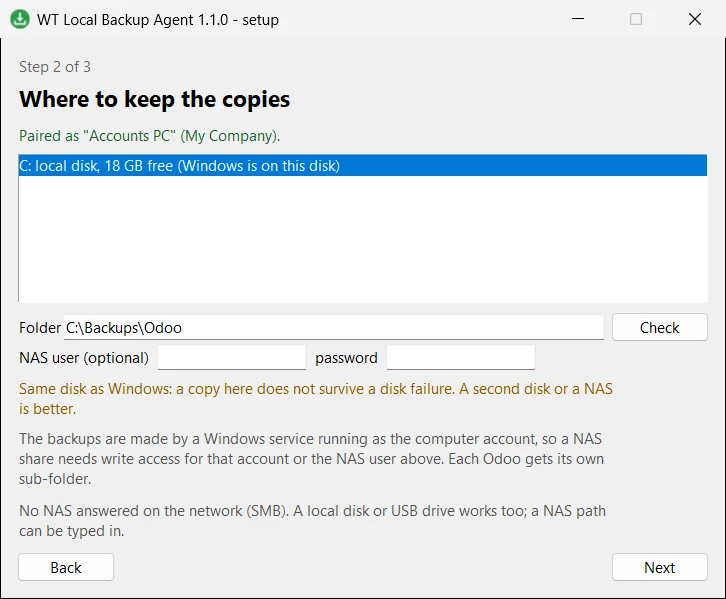
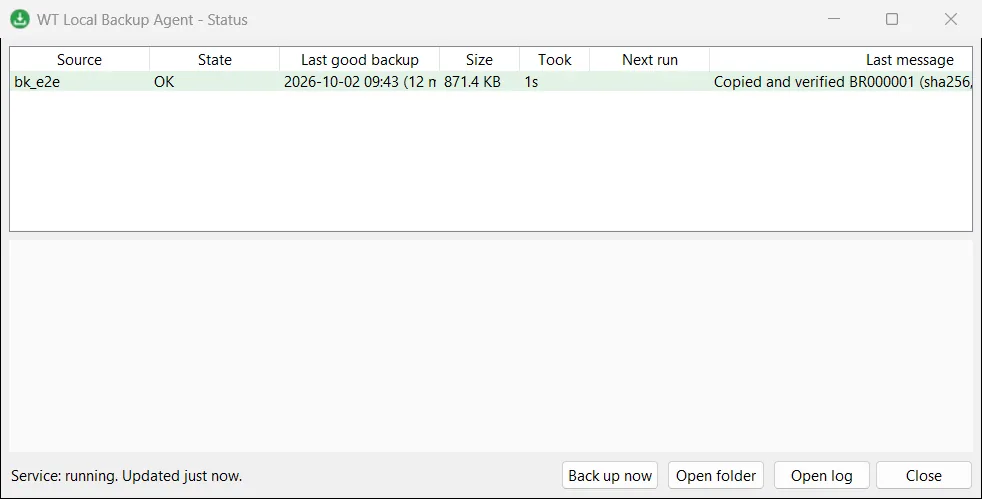
The agent fetches a backup on a schedule, checks that it is complete and readable, and keeps a sensible number of old copies on a local disk, a USB drive or a NAS. It runs as a Windows service, so it works at night with nobody logged in, and the tray icon turns red when something is wrong.
What it does
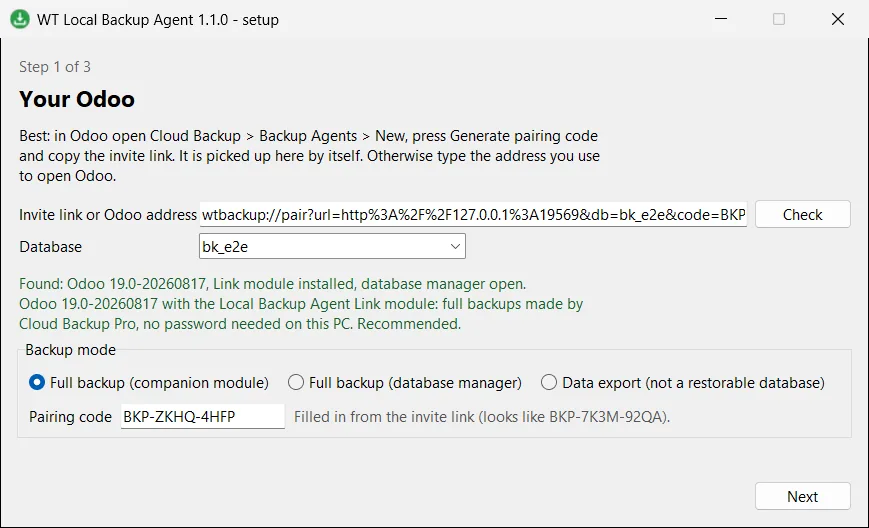
- ✓ Full database and attachments through the companion module, with no passwords stored on the PC.
- ✓ Full backup through the Odoo database manager for self-hosted servers without the module.
- ✓ Data export (JSON and Excel) for Odoo Online, clearly labelled as an export rather than a restorable database.
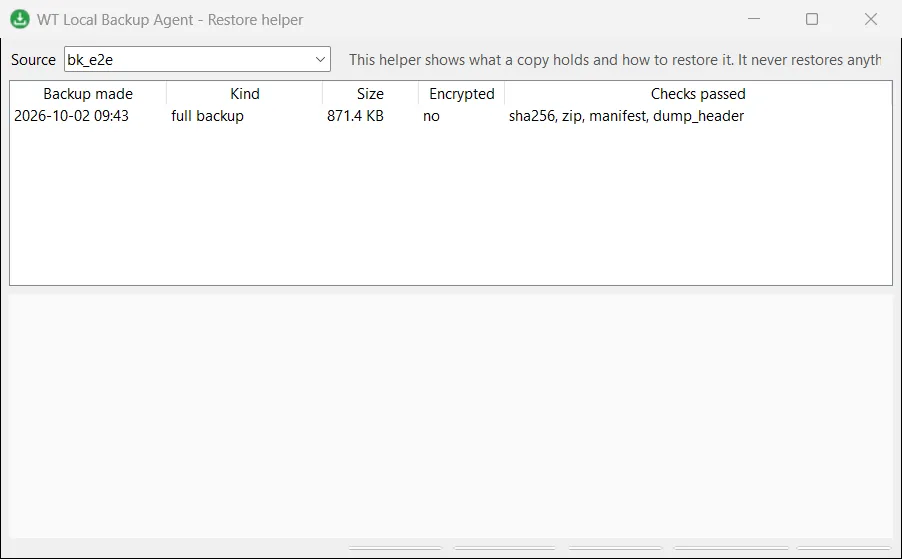
- ✓ Every copy checked: sha256, zip contents, manifest and database dump header.
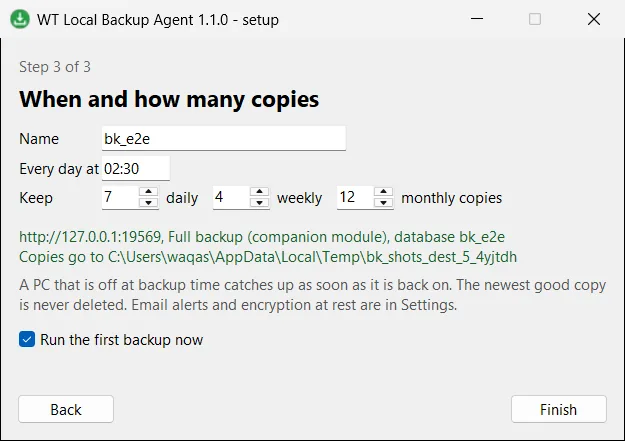
- ✓ Keeps 7 daily, 4 weekly and 12 monthly copies by default, and never deletes the newest good one.
- ✓ Optional encryption at rest and email alerts; a PC that was off at backup time catches up when it is back on.
Screenshots
System requirements
- →Windows 10 or 11, 64-bit, or Windows Server 2016 or later
- →Local administrator rights to install (it installs a Windows service)
- →A local disk, USB drive or NAS share with enough space
- →For full backups with pairing: the Local Backup Agent Link module (on top of Cloud Backup Pro)
Download WT Local Backup Agent 1.1.0
The installer is free. The app works together with the Odoo module, which you install from the Odoo Apps Store.
Download WT-Backup-Agent-Setup-1.1.0.exe- File
- WT-Backup-Agent-Setup-1.1.0.exe
- Size
- 21.5 MB (22,522,585 bytes)
- SHA-256
- ab5c98be7cc1b4dc5c2faa56e8a5ec0a6d9cad52b6e7be0e990ea3f79e4cdc6b
Windows may show a SmartScreen notice until our code-signing certificate is active: click More info, then Run anyway.
You can check the file first: in PowerShell, Get-FileHash WT-Backup-Agent-Setup-1.1.0.exe should print the SHA-256 above.
Once installed, the app checks for updates by itself and installs only releases signed by Way4Tech.
Questions before you install?
Tell us about your setup and we will tell you whether WT Local Backup Agent fits, and help with the first install.