
WT Face Kiosk
A Windows PC or tablet with a webcam becomes a face recognition time clock for Odoo.
Free download, 102.6 MB, released 9 October 2026.
Who it is for
For offices, shops, sites and branches that want a time clock without buying biometric terminals, and without sending face data to a cloud service.
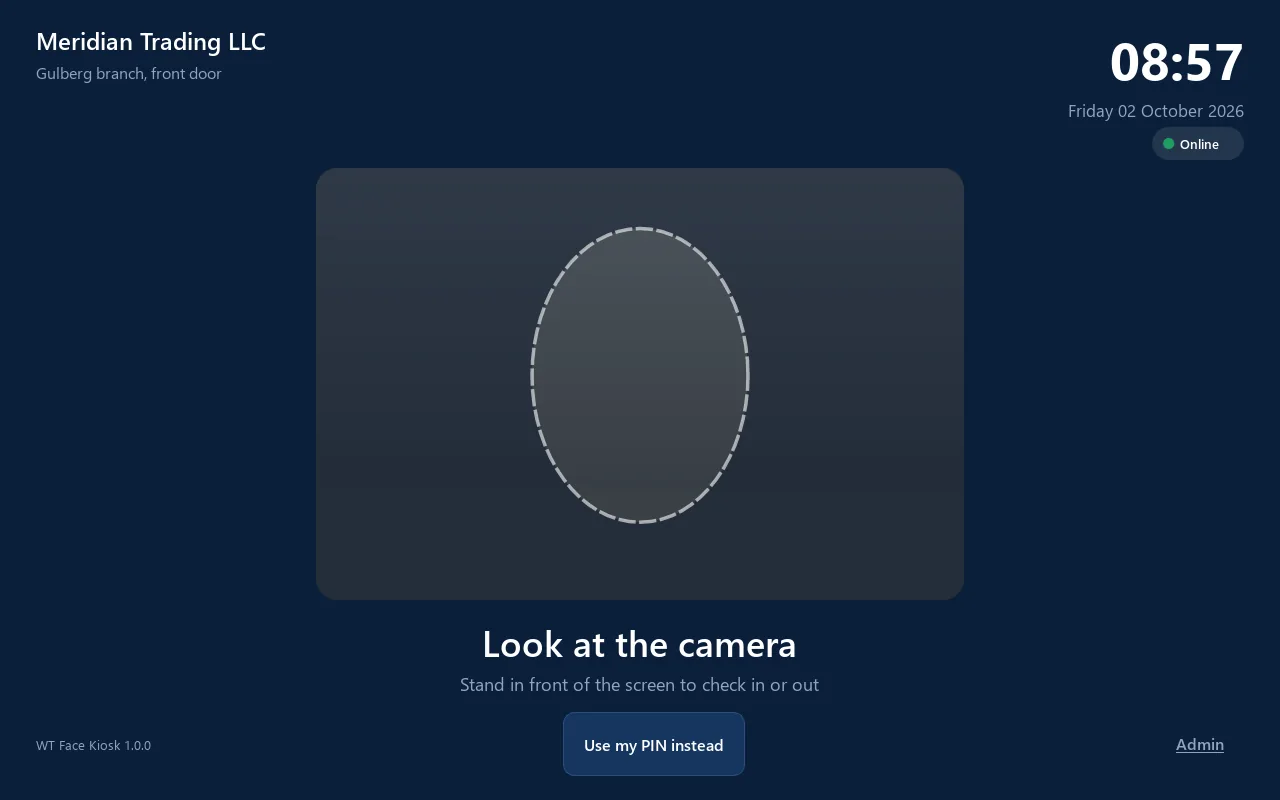
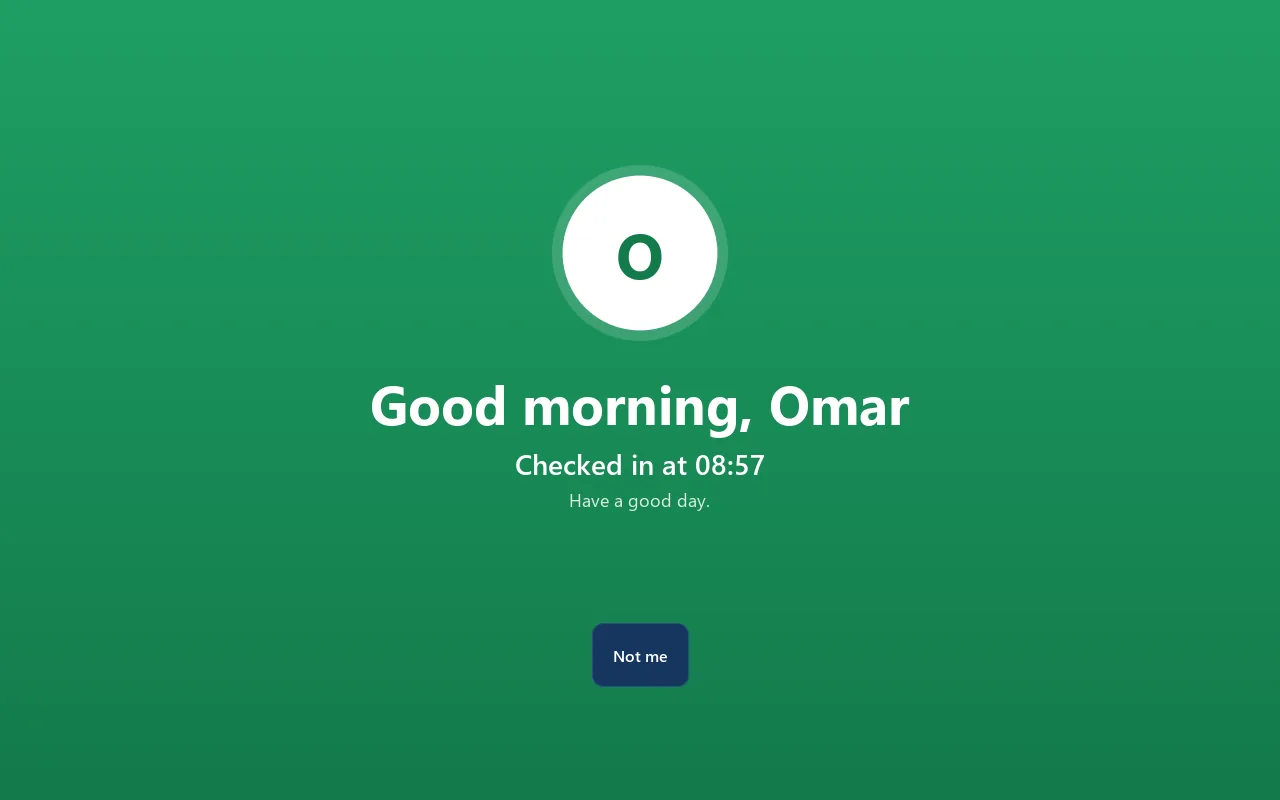
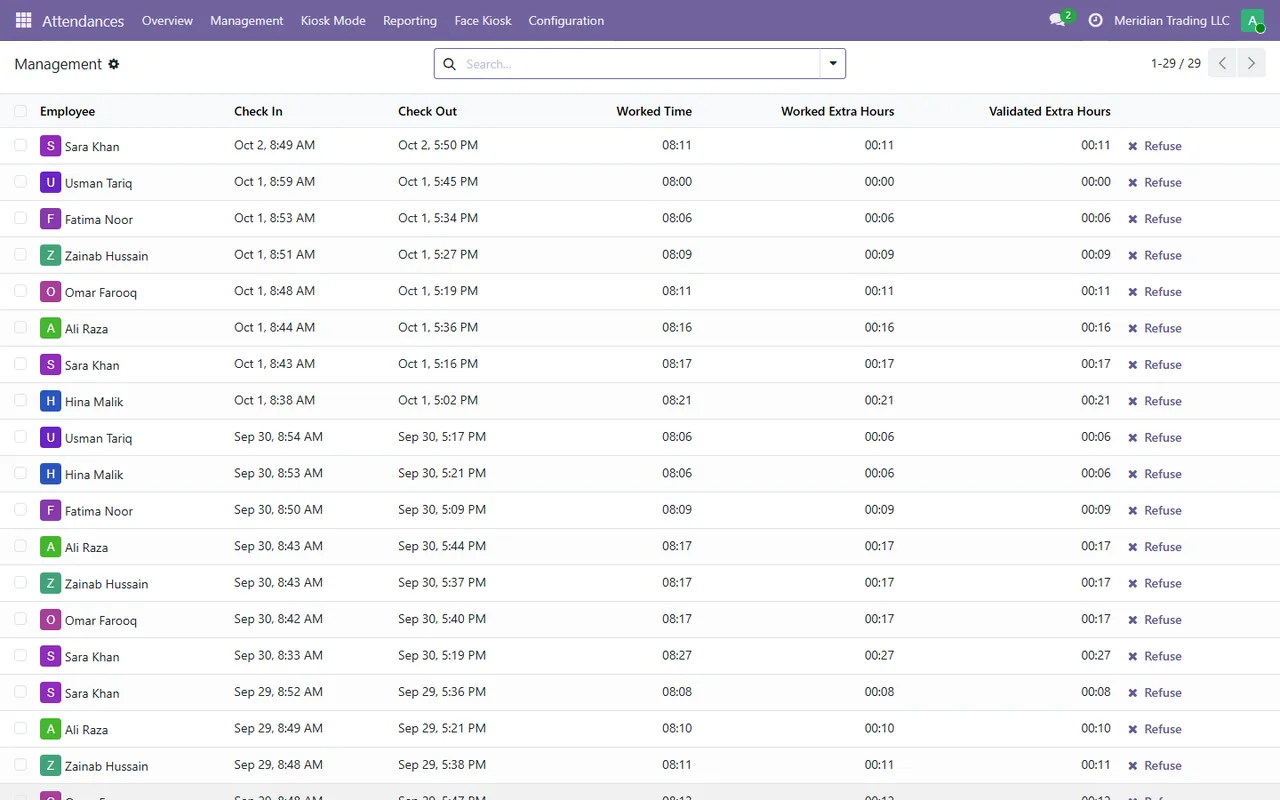
Staff look at the screen, the kiosk recognises them, greets them by name and the punch lands in Odoo Attendances. Recognition runs on the kiosk itself. It keeps working offline and catches up when the connection is back. Consent is recorded in Odoo before anyone can be enrolled.
What it does
- ✓ Recognition on the PC with OpenCV (YuNet detector and SFace recogniser); no cloud service.
- ✓ Basic liveness check, and a PIN fallback for anyone the camera does not recognise.
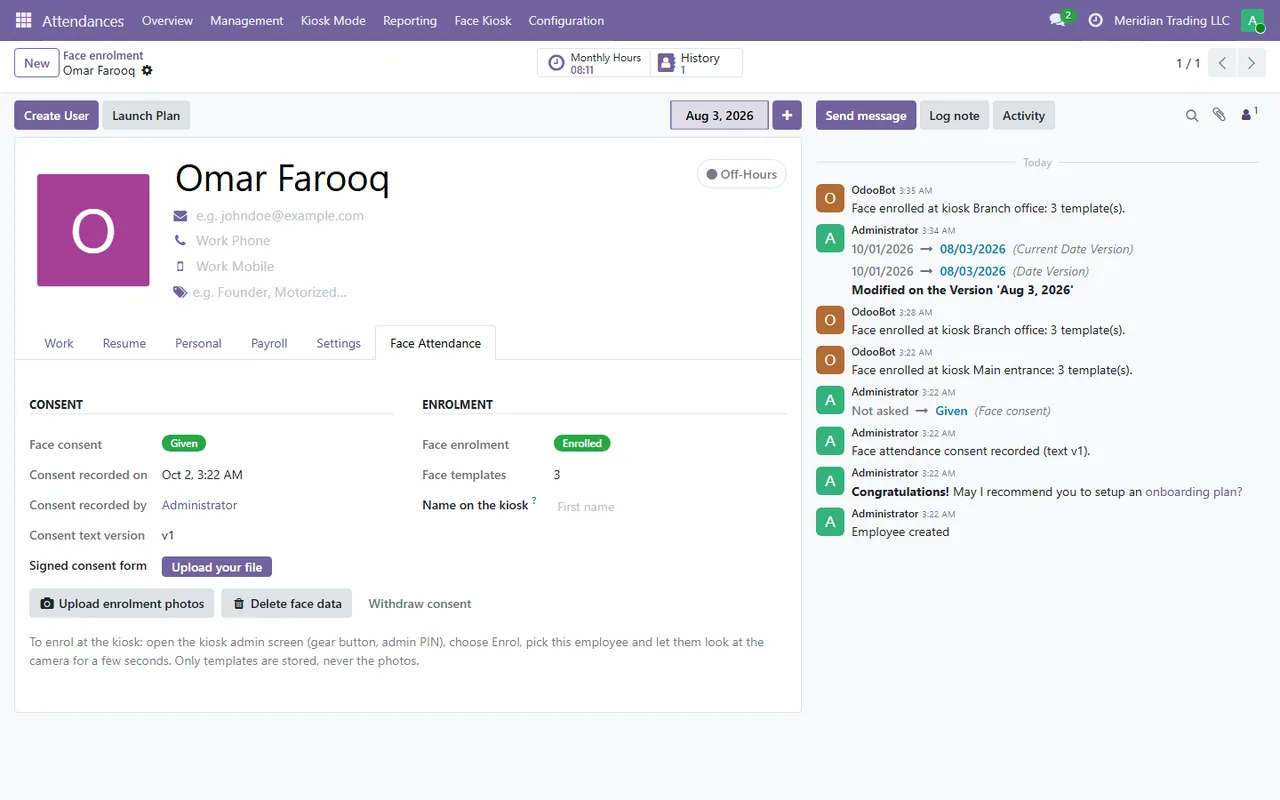
- ✓ Enrol at the kiosk with the admin PIN, or from photos uploaded in Odoo (the photos are then deleted).
- ✓ Face templates stored encrypted; consent and deletion handled from the employee form.
- ✓ Pairs by holding a QR code from Odoo up to the camera.
- ✓ Works offline, restarts itself if it closes, and speaks a greeting with a Windows voice.
Screenshots
System requirements
- →Windows 10 or 11, 64-bit; a small tablet or mini PC is enough (4 GB RAM)
- →No administrator rights needed (installs per user)
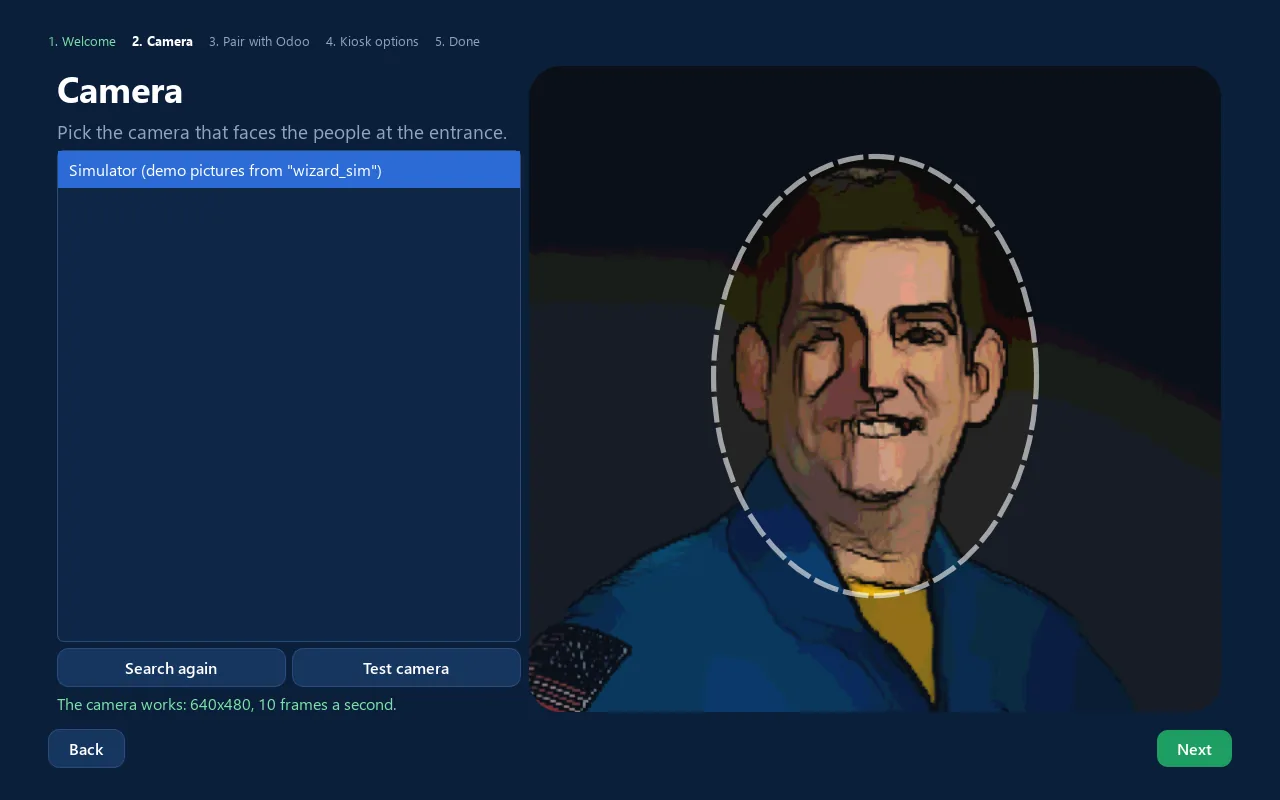
- →A USB or built-in webcam, 640 x 480 or better, at face height
- →Odoo 19 (Community or Enterprise) with the WT Face Attendance Kiosk module
Download WT Face Kiosk 1.0.0
The installer is free. The app works together with the Odoo module, which you install from the Odoo Apps Store.
Download WT-Face-Kiosk-Setup-1.0.0.exe- File
- WT-Face-Kiosk-Setup-1.0.0.exe
- Size
- 102.6 MB (107,581,661 bytes)
- SHA-256
- 0200d52ca8df2cef78a5e41dd39a7813460fae37a8a4708eeb5223e3596d32a3
Windows may show a SmartScreen notice until our code-signing certificate is active: click More info, then Run anyway.
You can check the file first: in PowerShell, Get-FileHash WT-Face-Kiosk-Setup-1.0.0.exe should print the SHA-256 above.
Once installed, the app checks for updates by itself and installs only releases signed by Way4Tech.
Questions before you install?
Tell us about your setup and we will tell you whether WT Face Kiosk fits, and help with the first install.