
WT Recorder
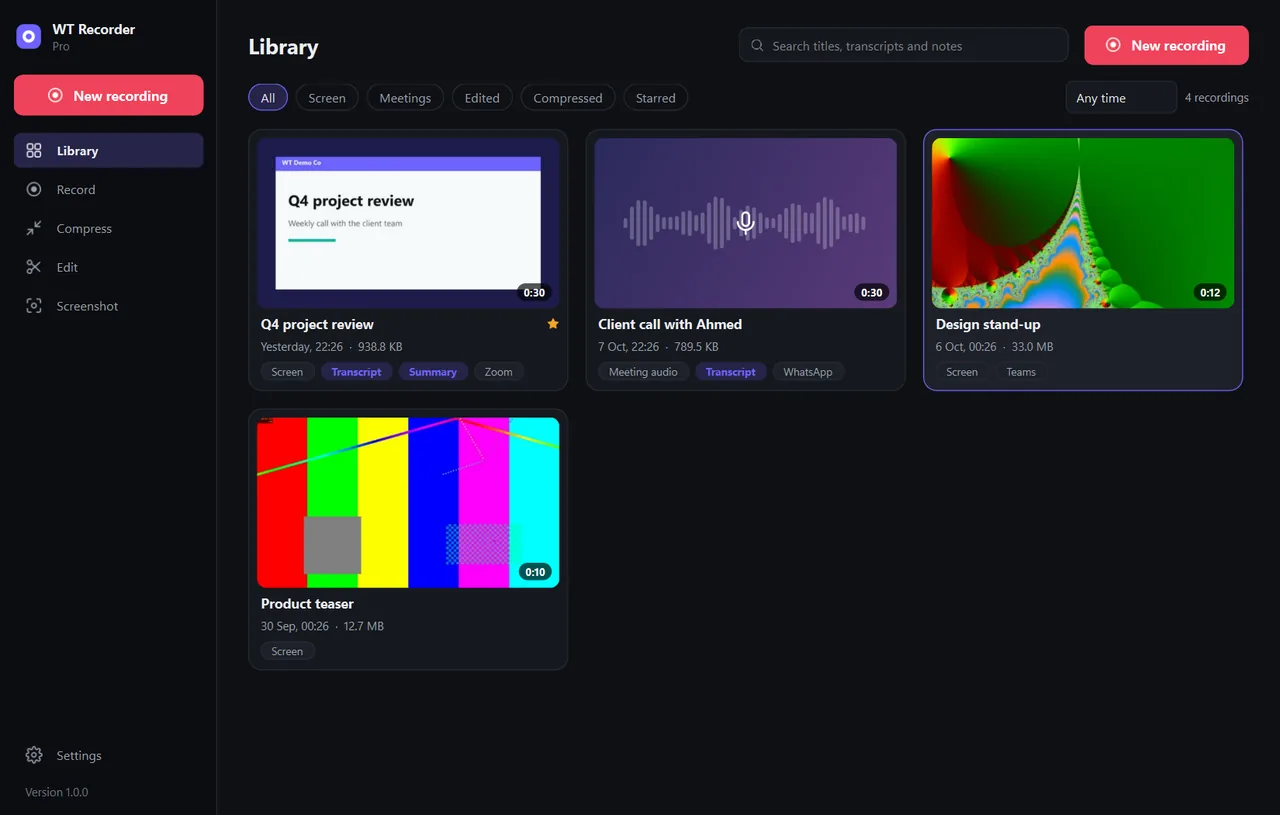
Screen and meeting recorder with transcripts on your PC, live captions, notes, a compressor and an editor.
Free download, 141.3 MB, released 9 October 2026.
Who it is for
For anyone who records calls, demos and training on Windows and wants a transcript and notes afterwards, without inviting a bot into the meeting or uploading the recording to someone else's server.
WT Recorder records any app, writes the transcript on the PC in English, Urdu, Hindi or Arabic, shows live captions during the call, and can write meeting notes with your own Anthropic API key. It also shrinks videos without losing resolution, edits them, and takes screenshots. WT Recorder is sold on its own and does not need Odoo.
What it does
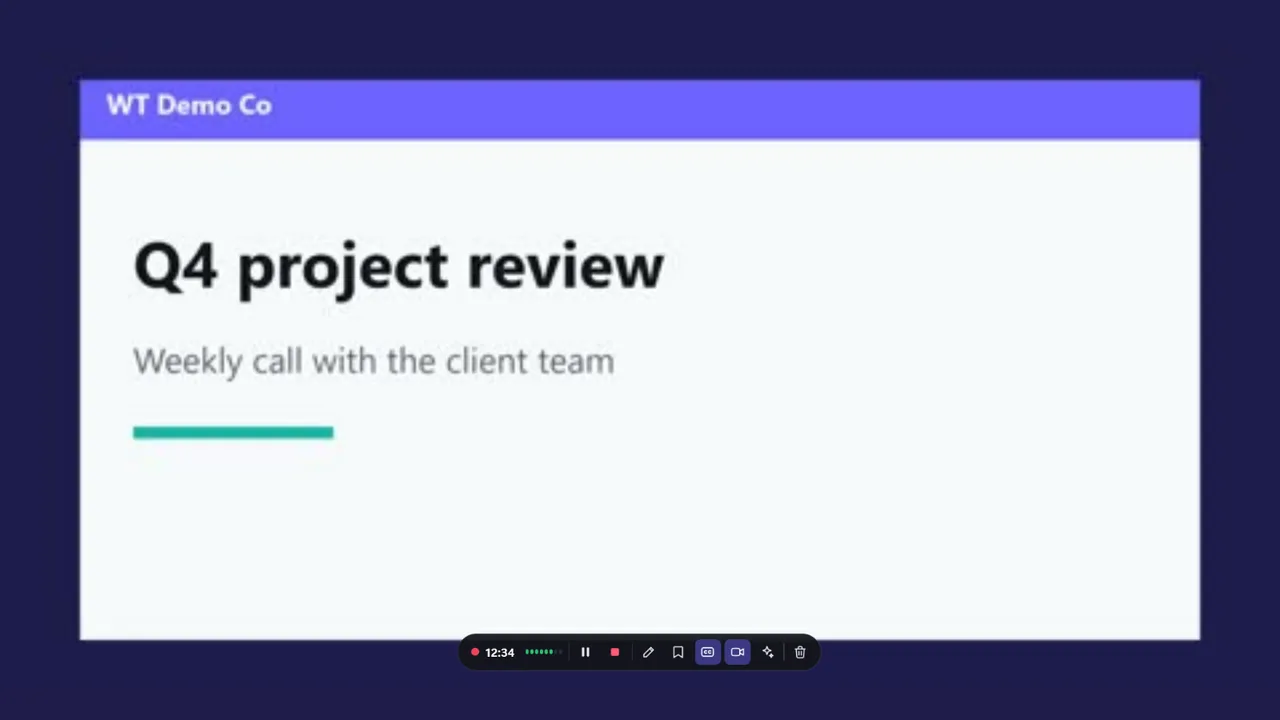
- ✓ Record the full screen, a window, an area or audio only, with a camera bubble and separate mic and system audio tracks.
- ✓ Hardware encoding (Quick Sync, NVENC, AMF) and crash-safe recording with recovery.
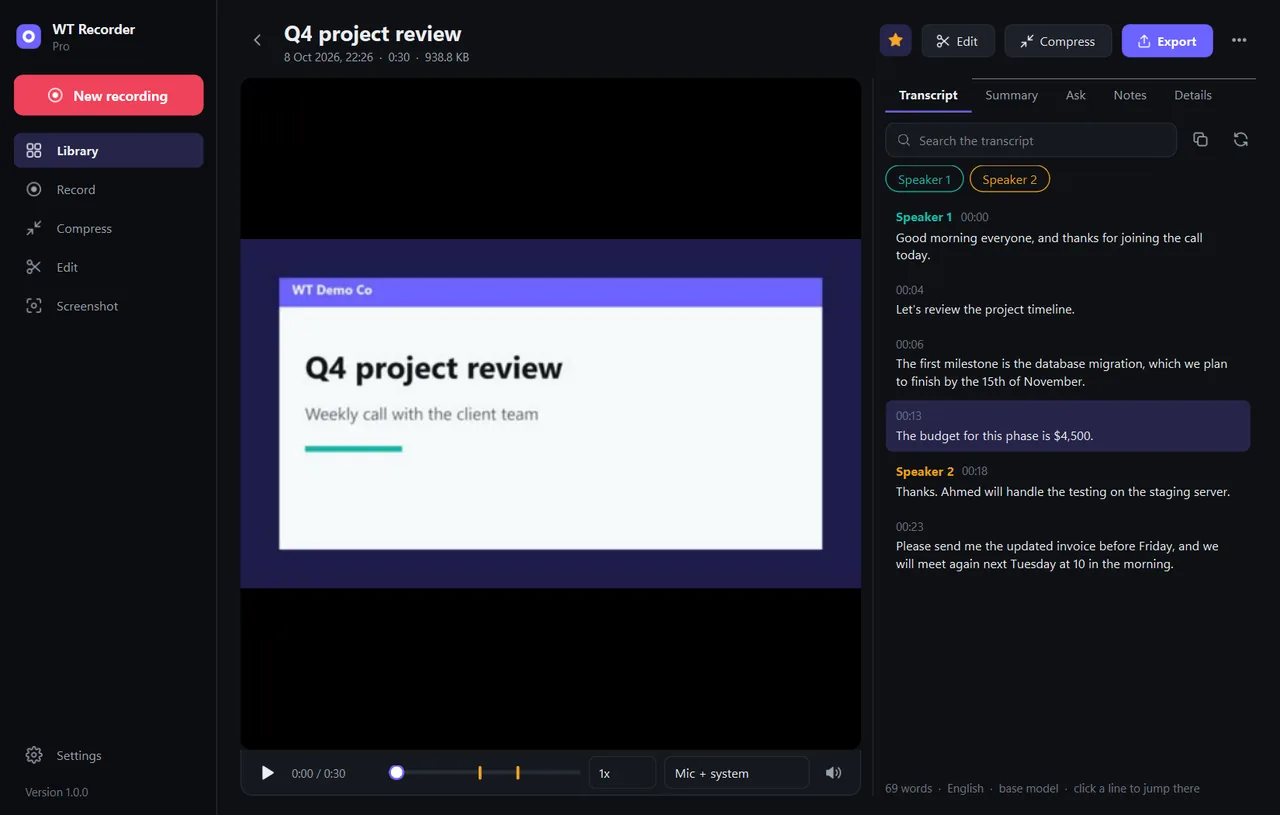
- ✓ Transcripts on the PC with faster-whisper, Me and Others from the tracks, export to SRT, VTT, Word or PDF.
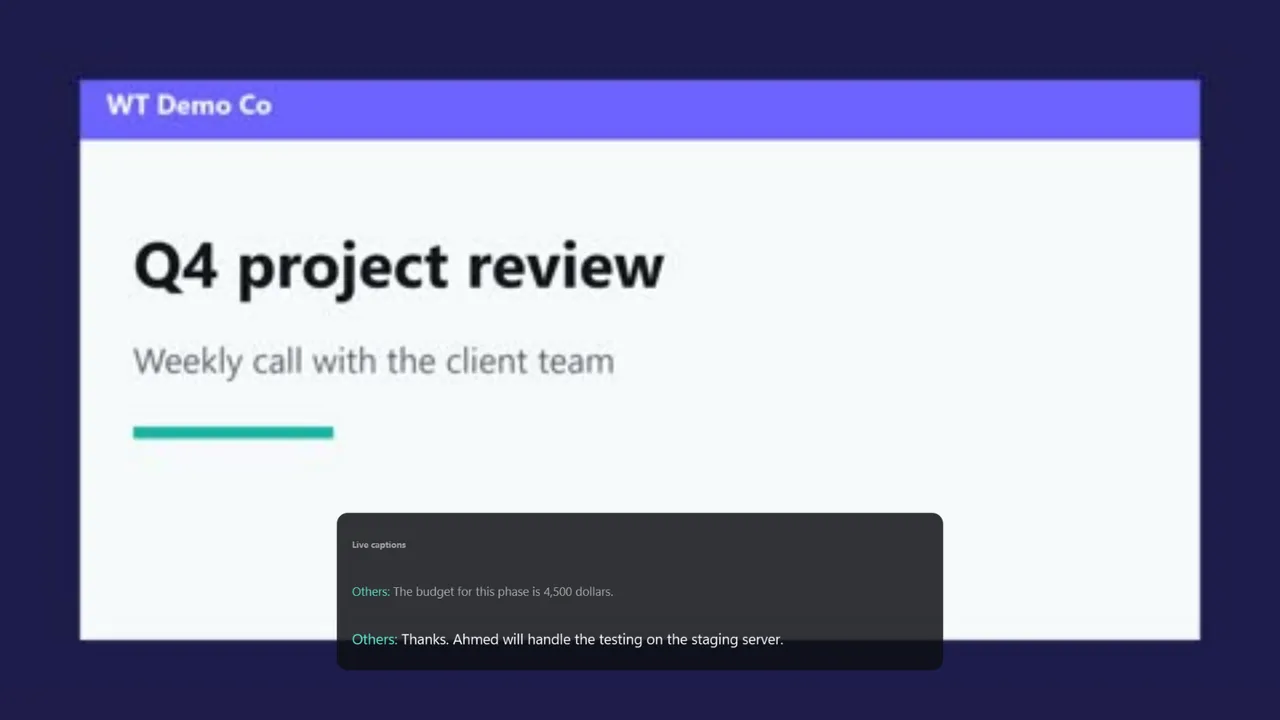
- ✓ Live captions a few seconds behind speech, with a notes window and bookmarks.
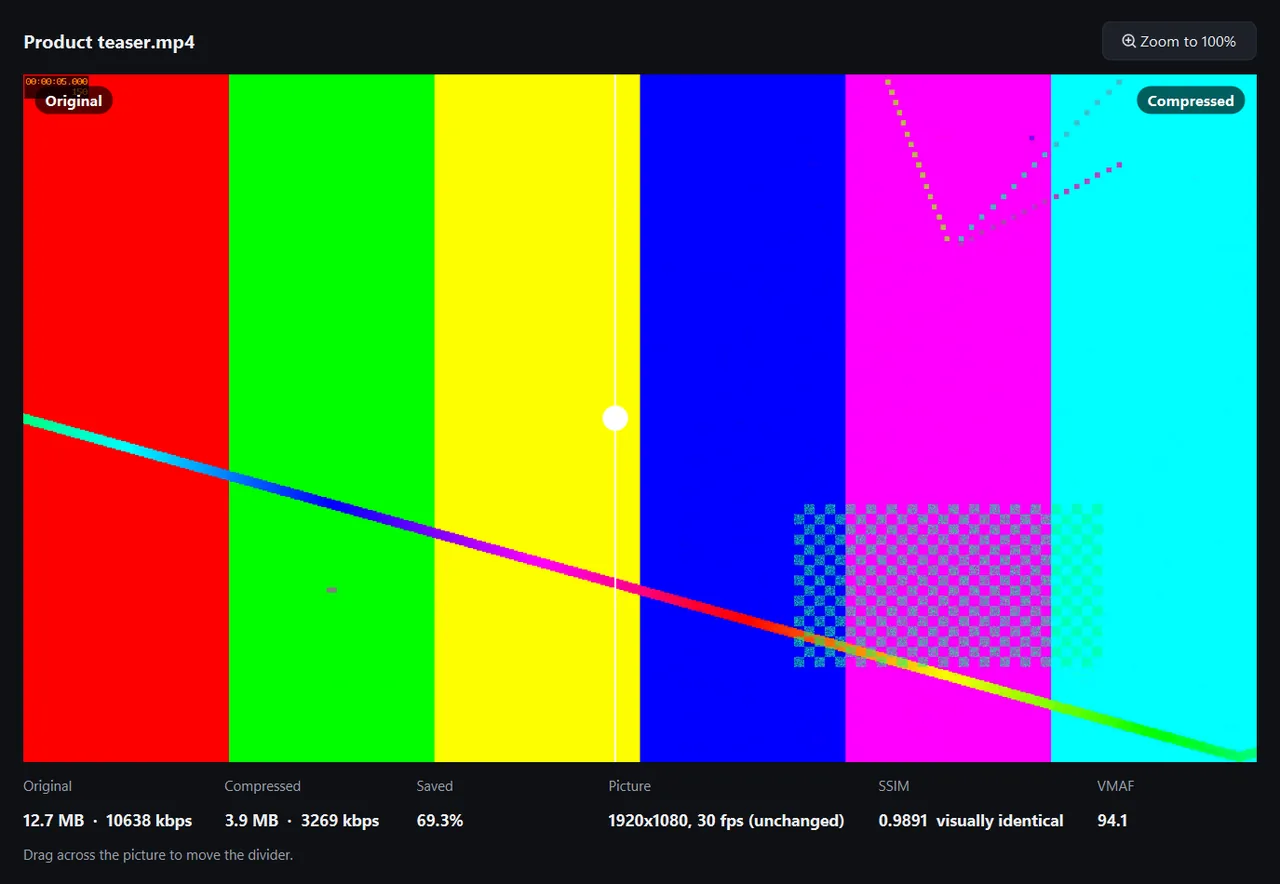
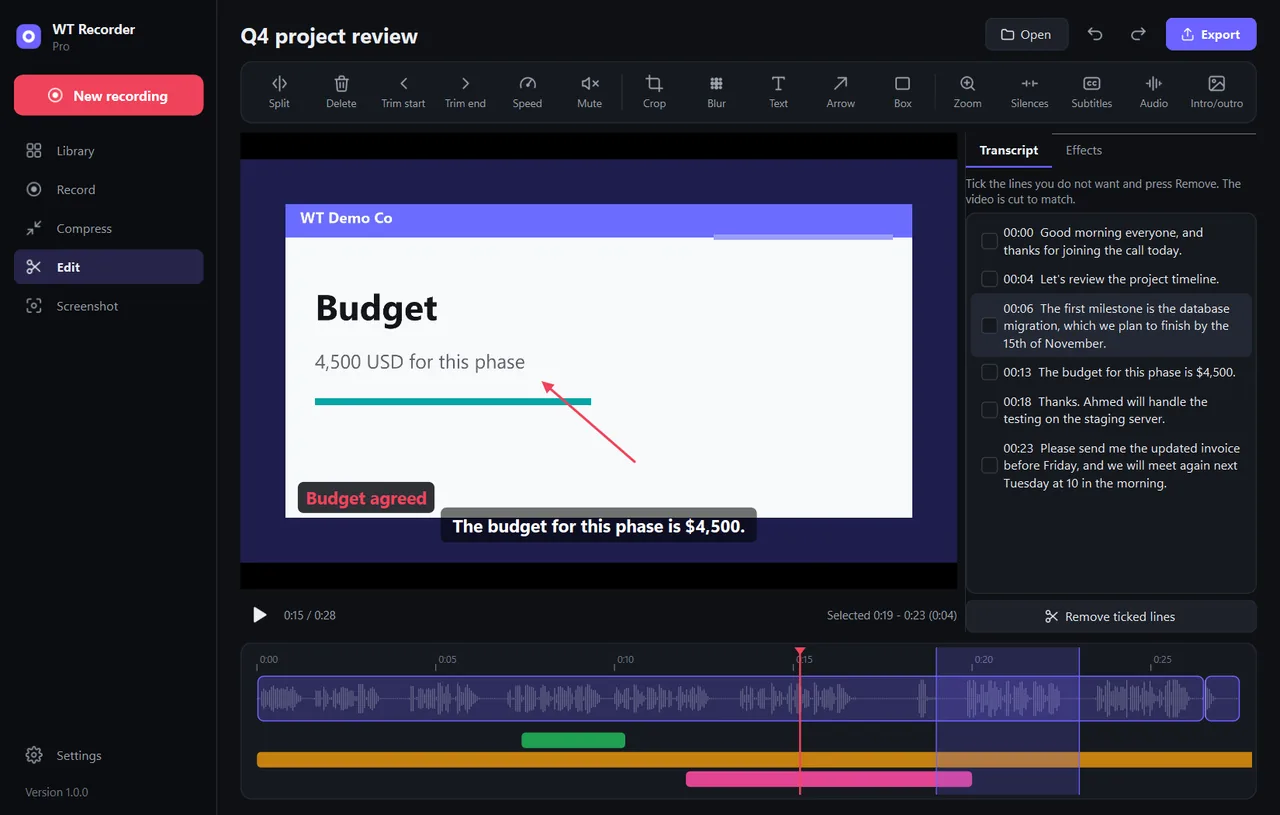
- ✓ Compressor with before and after comparison; editor with trim, cut, blur, text, subtitles and cut by transcript.
- ✓ Free edition: recordings up to 30 minutes, the small transcription models, compressor, screenshots and basic editing. Pro removes the limit and adds the larger models, AI notes, auto-zoom and batch compression.
Screenshots
System requirements
- →Windows 10 (version 1809 or later) or 11, 64-bit
- →No administrator rights needed (installs per user)
- →A recent CPU; a graphics card helps with encoding but is not required
- →For AI notes: your own Anthropic API key (Pro)
Download WT Recorder 1.0.0
The installer is free. The free edition works as soon as it is installed. A Pro licence unlocks the rest.
Download WT-Recorder-Setup-1.0.0.exe- File
- WT-Recorder-Setup-1.0.0.exe
- Size
- 141.3 MB (148,139,939 bytes)
- SHA-256
- 74fac1ca23a1316630c12ab8d635275c2a8530852f2c4ac6959f17487fcf8844
Windows may show a SmartScreen notice until our code-signing certificate is active: click More info, then Run anyway.
You can check the file first: in PowerShell, Get-FileHash WT-Recorder-Setup-1.0.0.exe should print the SHA-256 above.
Once installed, the app checks for updates by itself and installs only releases signed by Way4Tech.
Questions before you install?
Tell us about your setup and we will tell you whether WT Recorder fits, and help with the first install.