
WT POS Bridge
Receipt printers, cash drawer, scale and pole display for Odoo Community POS, without an IoT Box.
Free download, 20.9 MB, released 9 October 2026.
Who it is for
For shops and restaurants running Odoo Point of Sale on Community, where the IoT Box is not available and the browser cannot talk to a USB printer, a serial scale or a cash drawer on its own.
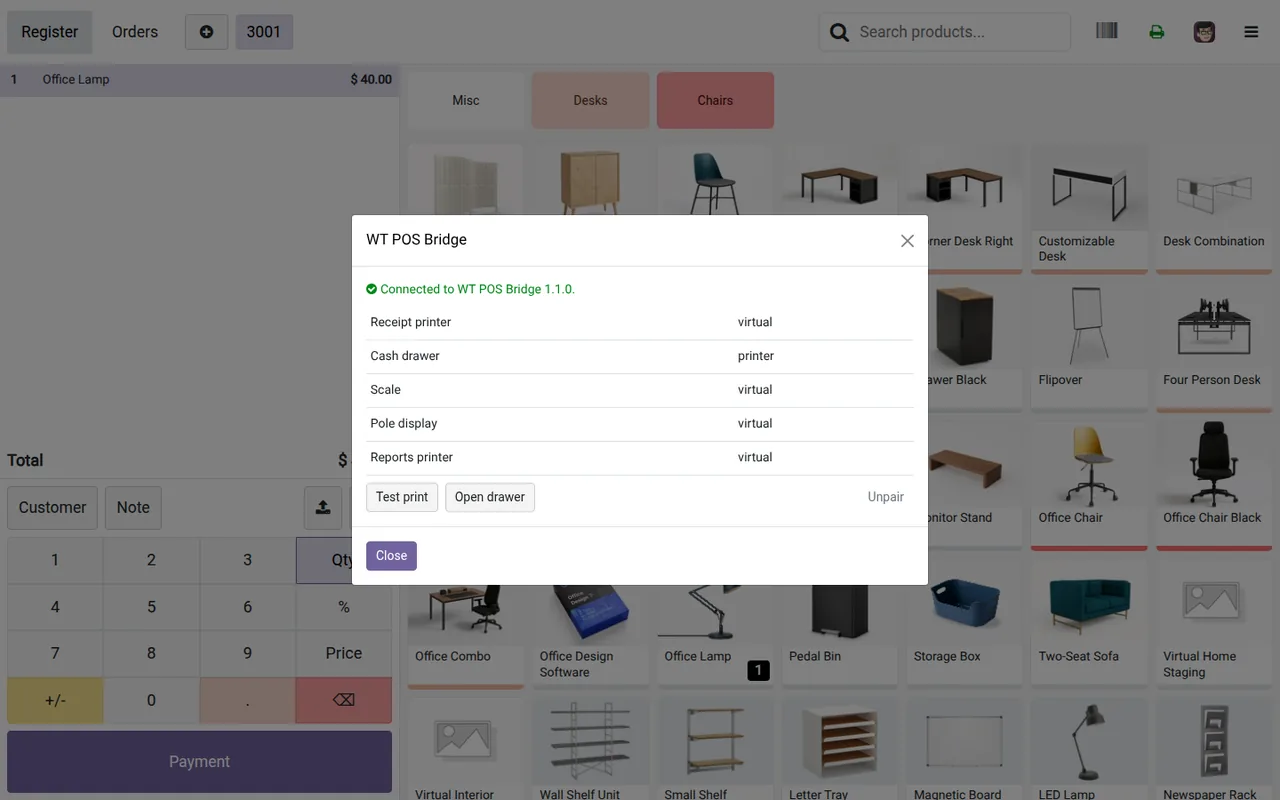
WT POS Bridge sits in the tray of each till PC and drives the hardware plugged into it. The Odoo module makes the POS print, open the drawer, read the scale and update the customer display through it. If the bridge is not running, the receipt prints from the browser and the cashier sees a notice.
What it does
- ✓ ESC/POS receipt printers, 58 or 80 mm, over USB, a serial port or the network (port 9100).
- ✓ Receipts print as an image, so Arabic, Urdu and every other script come out exactly as on screen.
- ✓ Cash drawer through the printer or on its own serial port, opened on cash payments.
- ✓ Scales (Mettler-Toledo 8217 and continuous indicators) for weighed products.
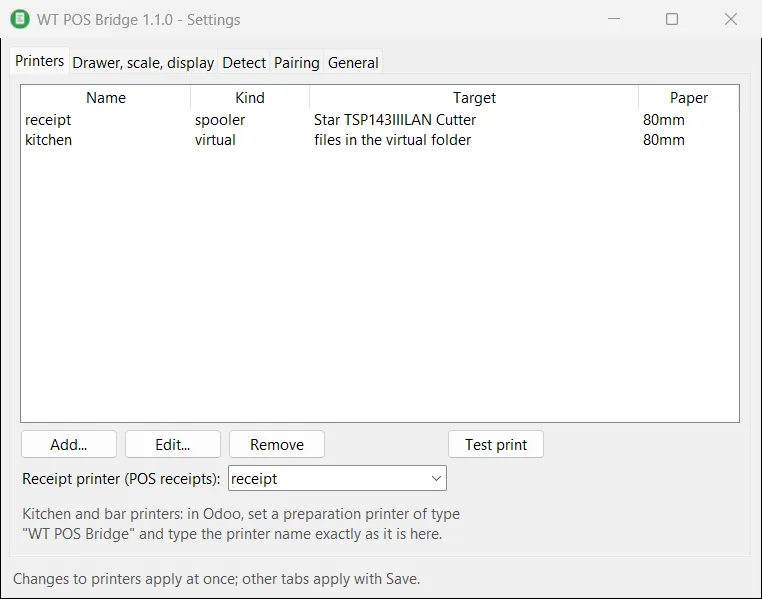
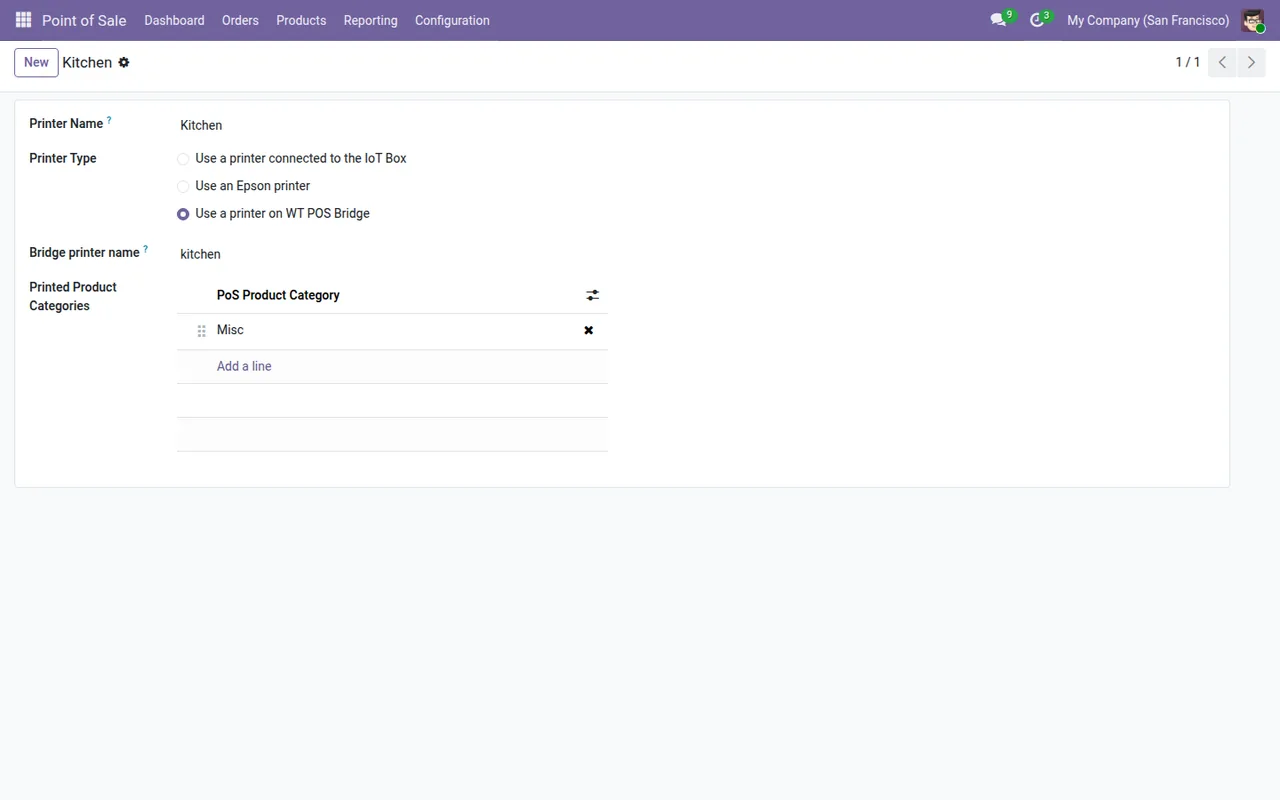
- ✓ Kitchen and bar printers routed by POS category, and a 2 x 20 customer pole display.
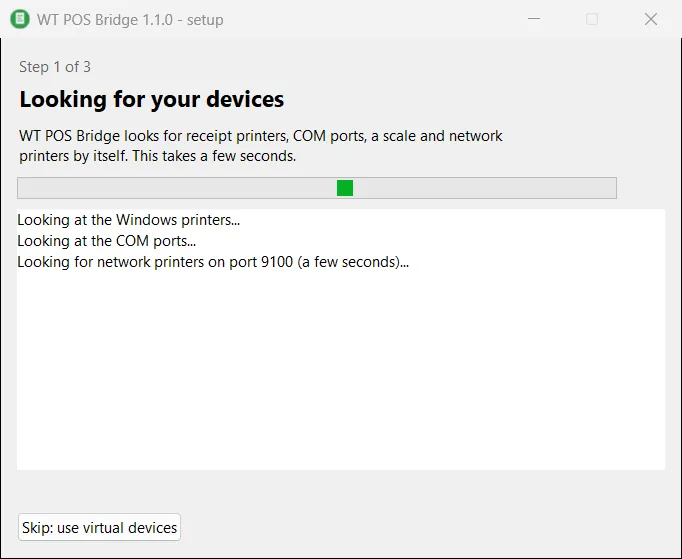
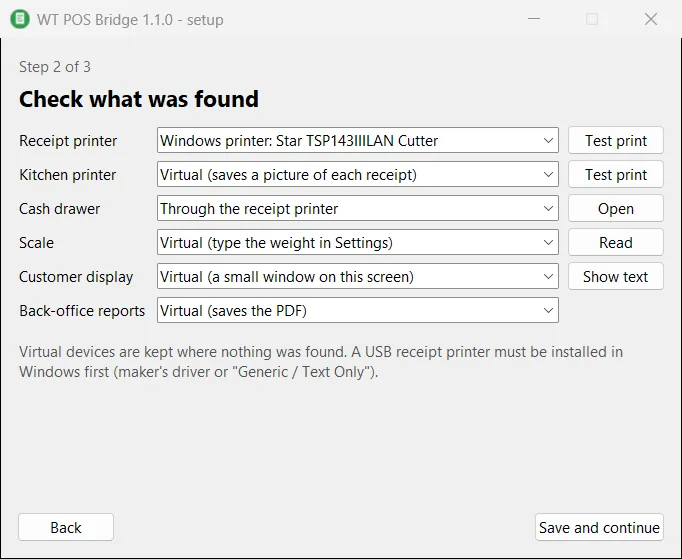
- ✓ A setup wizard that looks for printers, COM ports and network printers by itself, and virtual devices to try everything first.
Screenshots
System requirements
- →Windows 10 or 11, 64-bit, with Chrome or Edge
- →No administrator rights needed (installs per user)
- →USB printers installed in Windows (maker driver or Generic / Text Only)
- →Odoo 19 (Community or Enterprise) with Point of Sale and the WT POS Hardware Bridge module
Download WT POS Bridge 1.1.0
The installer is free. The app works together with the Odoo module, which you install from the Odoo Apps Store.
Download WT-POS-Bridge-Setup-1.1.0.exe- File
- WT-POS-Bridge-Setup-1.1.0.exe
- Size
- 20.9 MB (21,879,136 bytes)
- SHA-256
- 54451b5c25fb34722d375f6f0476ba5ae61396bcf7446064fe66f28c1cd1ce82
Windows may show a SmartScreen notice until our code-signing certificate is active: click More info, then Run anyway.
You can check the file first: in PowerShell, Get-FileHash WT-POS-Bridge-Setup-1.1.0.exe should print the SHA-256 above.
Once installed, the app checks for updates by itself and installs only releases signed by Way4Tech.
Questions before you install?
Tell us about your setup and we will tell you whether WT POS Bridge fits, and help with the first install.